The shortcuts you already know.
The keyboard shortcuts already in your fingers work the same way, so you feel at home from the very first minute.
Everything you need, at hand. Everything else, out of sight.

The keyboard shortcuts already in your fingers work the same way, so you feel at home from the very first minute.
We reorganised every tool so it’s where you look for it, with fewer clicks, fewer menus and more room for your work.
A nine-slot bar, like a video game’s action bar. Switch tools with keys 1 to 9 and drag any tool into a slot to make it yours.
When something lines up, your device answers with a light haptic click, wherever it’s supported.
Distraction-free mode hides every panel and leaves the canvas edge to edge.
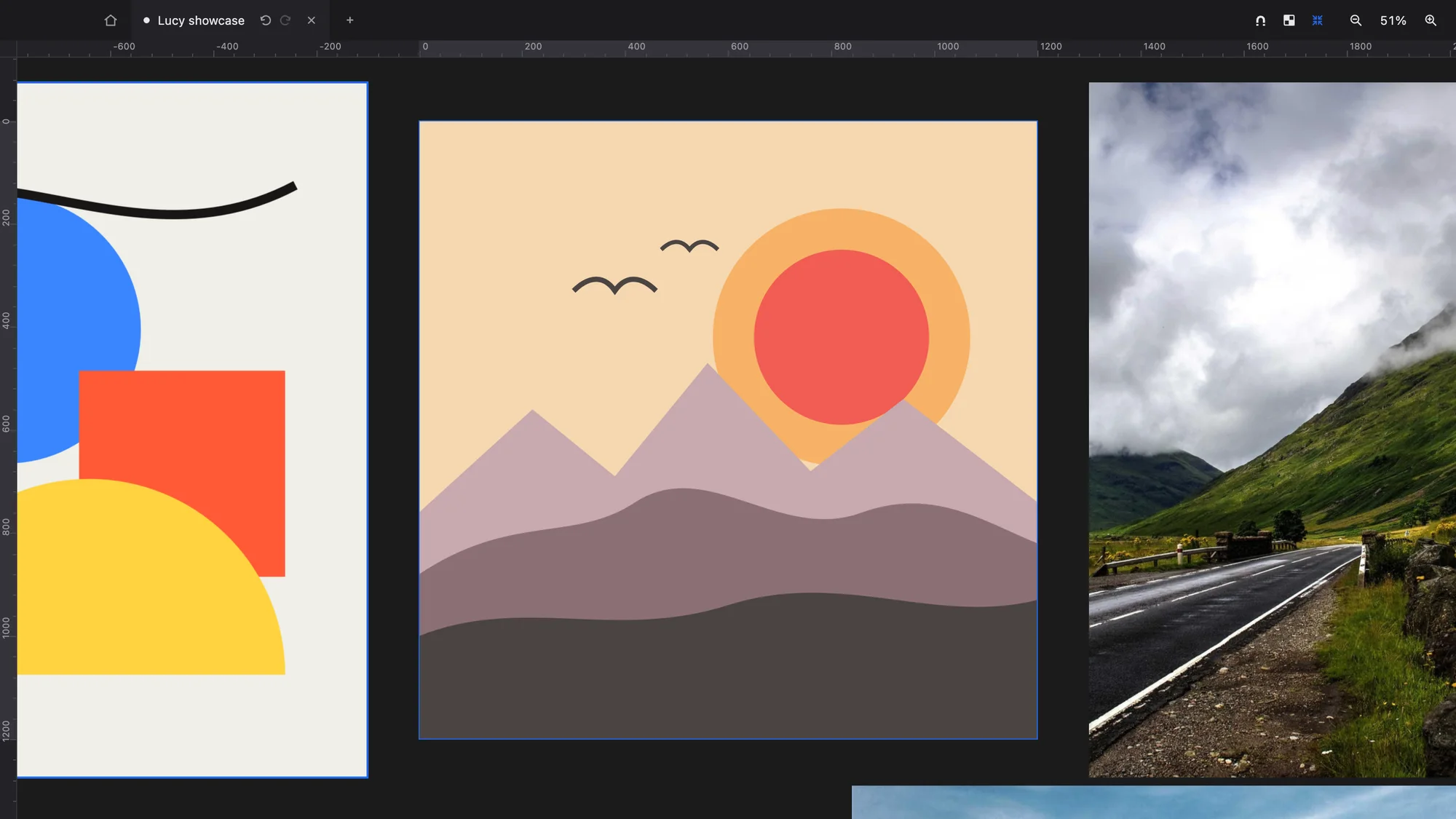
The logo, the poster, the posts and the presentation share one canvas, so you work on every piece at once without jumping between files.
BoardsEach document in its own tab, with its pixels, its history and its view intact.
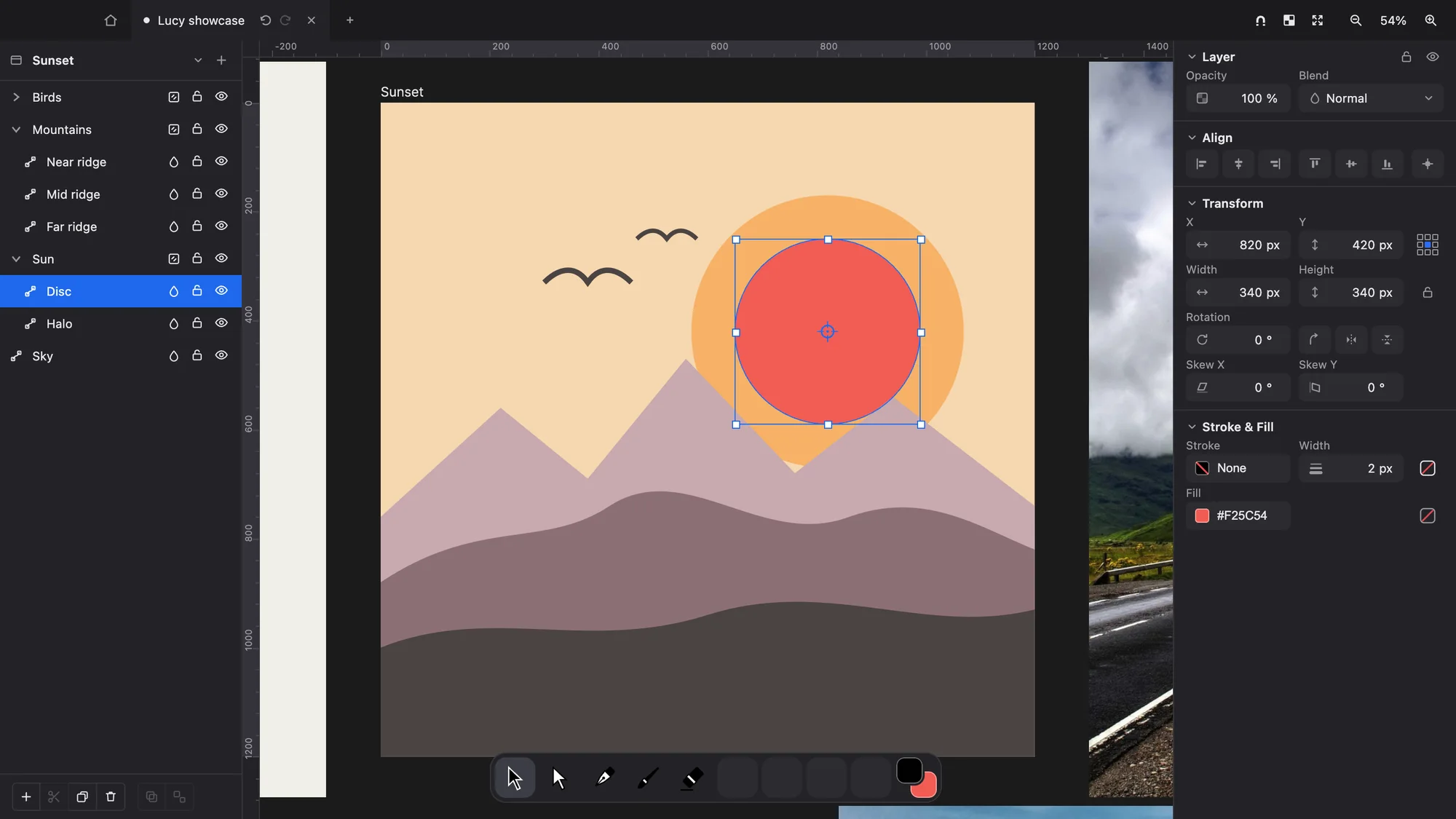
A dark theme that follows your system and lets the colours of your work take centre stage.
The command palette finds and runs whatever you need from the keyboard.