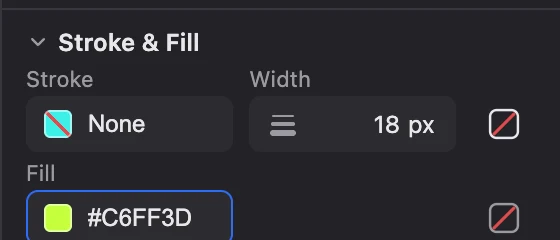
Draw with total control.
The pen and node editing let you trace any curve precisely and give every shape its own stroke and fill. Every node can be moved, tuned and undone.
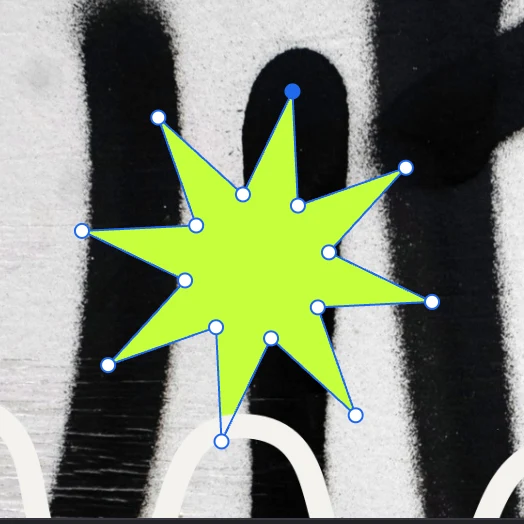
Logos, icons, posters and illustrations are born on the same canvas where you do everything else, with paths you can always edit again.
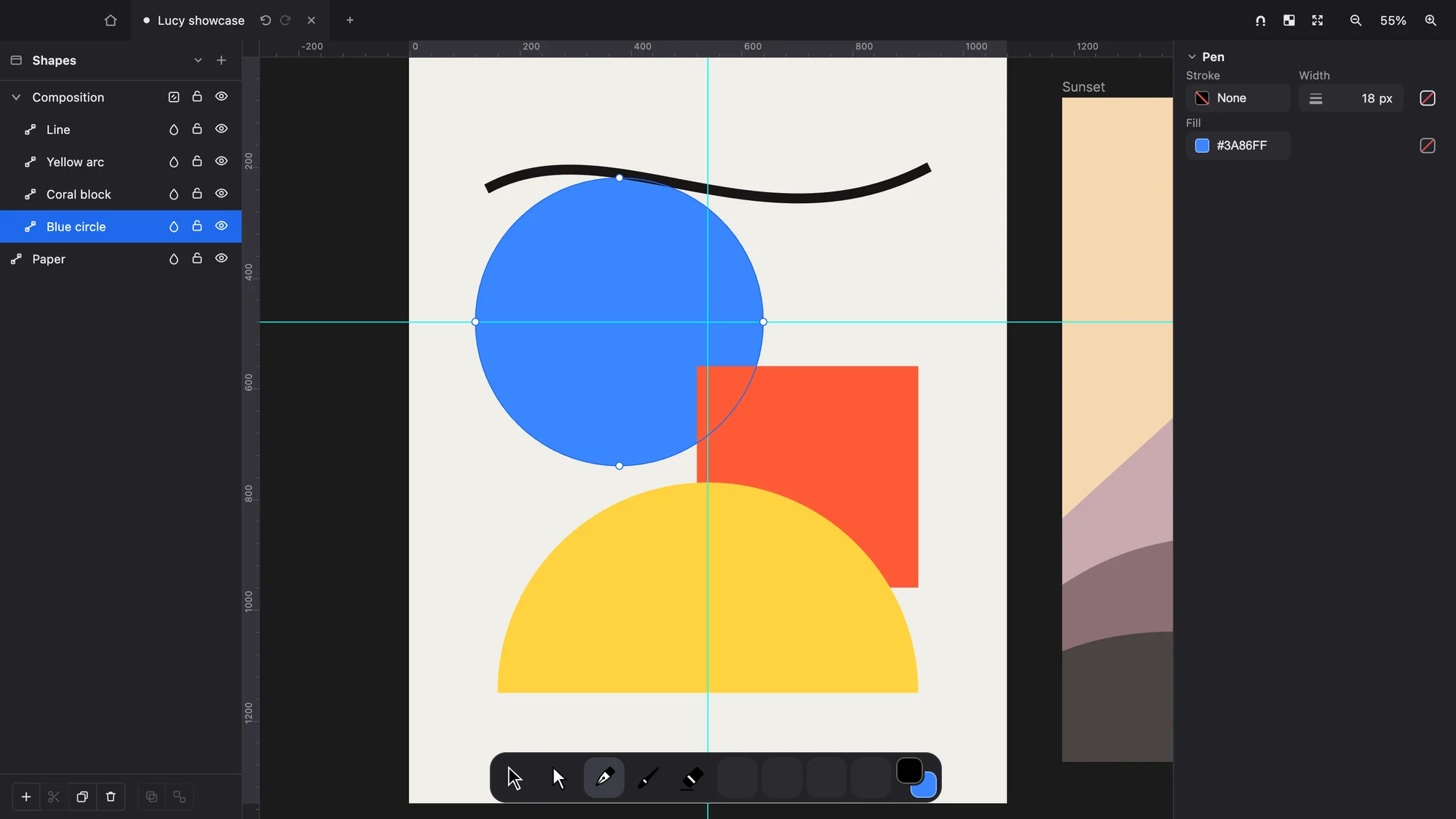
The pen and node editing let you trace any curve precisely and give every shape its own stroke and fill. Every node can be moved, tuned and undone.
Rectangles, ellipses, polygons and stars appear with a single drag and stay fully editable, so every illustration starts from a solid base.
Unite, subtract and intersect shapes to build complex logos and icons from simple pieces. The fastest way to reach a form that would be hard to draw by hand.
Gradients on fills and strokes bring light and volume to your shapes. Later, multiple fills and strokes per object, and patterns, for rich finishes without stacking shapes.
Variable-width strokes that taper and swell like a hand-drawn line, and a vector brush that leaves expressive marks you can still edit.
Draw a vector over a photo or paint next to a logo. Vectors and pixels live in the same layers and groups, with the same 27 blend modes, without converting anything or changing tools.
PixelEvery edge is computed on the GPU with exact per-pixel coverage, so your shapes stay crisp at any zoom. And every export comes out byte-identical: what you approve is exactly what you deliver.