Choose exactly what you want.
Rectangle, ellipse, lasso and magic wand. Select what you need, then move, scale, rotate or skew it without leaving the tool.
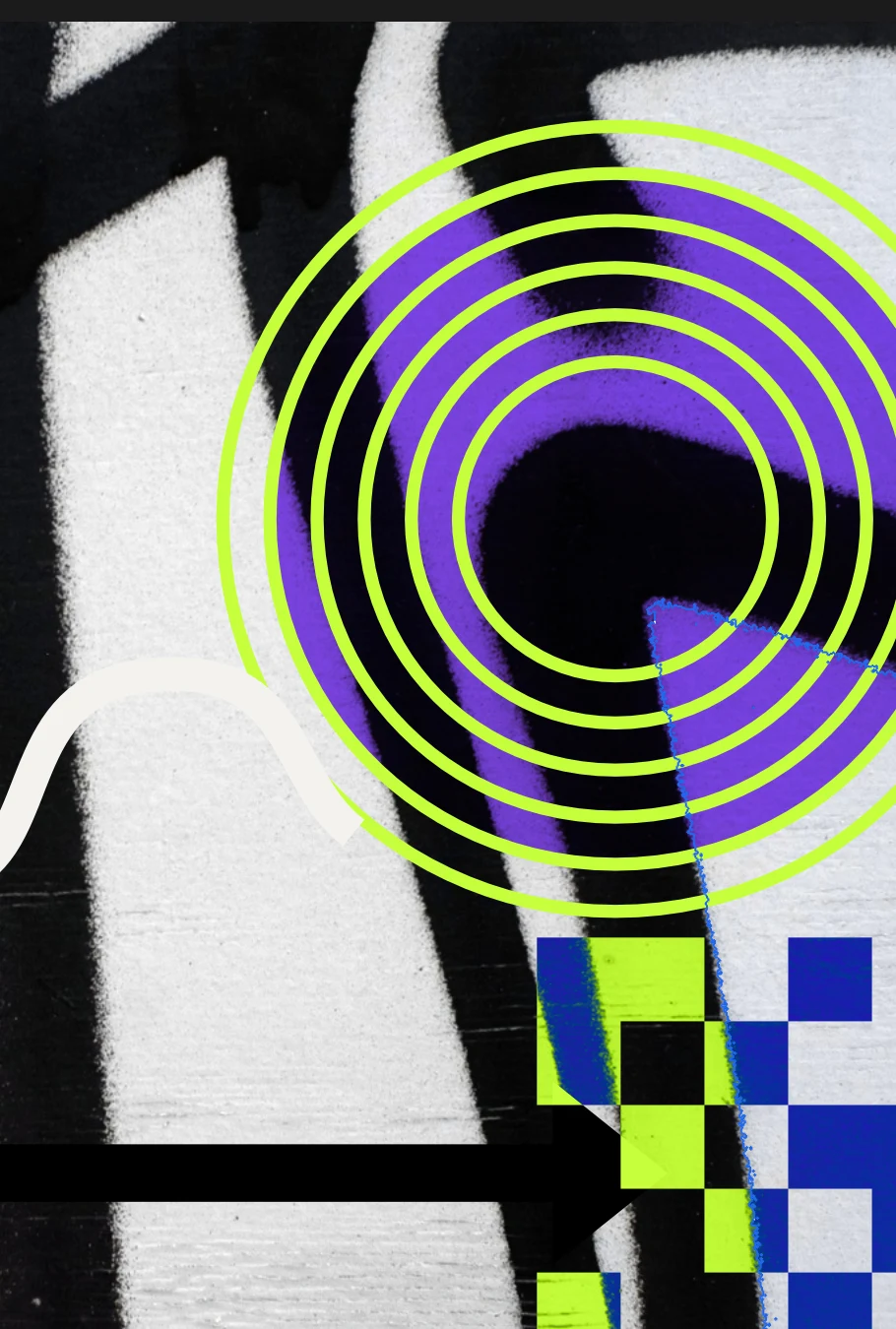
Precise image editing on the same canvas where you design, so retouching a photo and placing it in your layout is a single step.
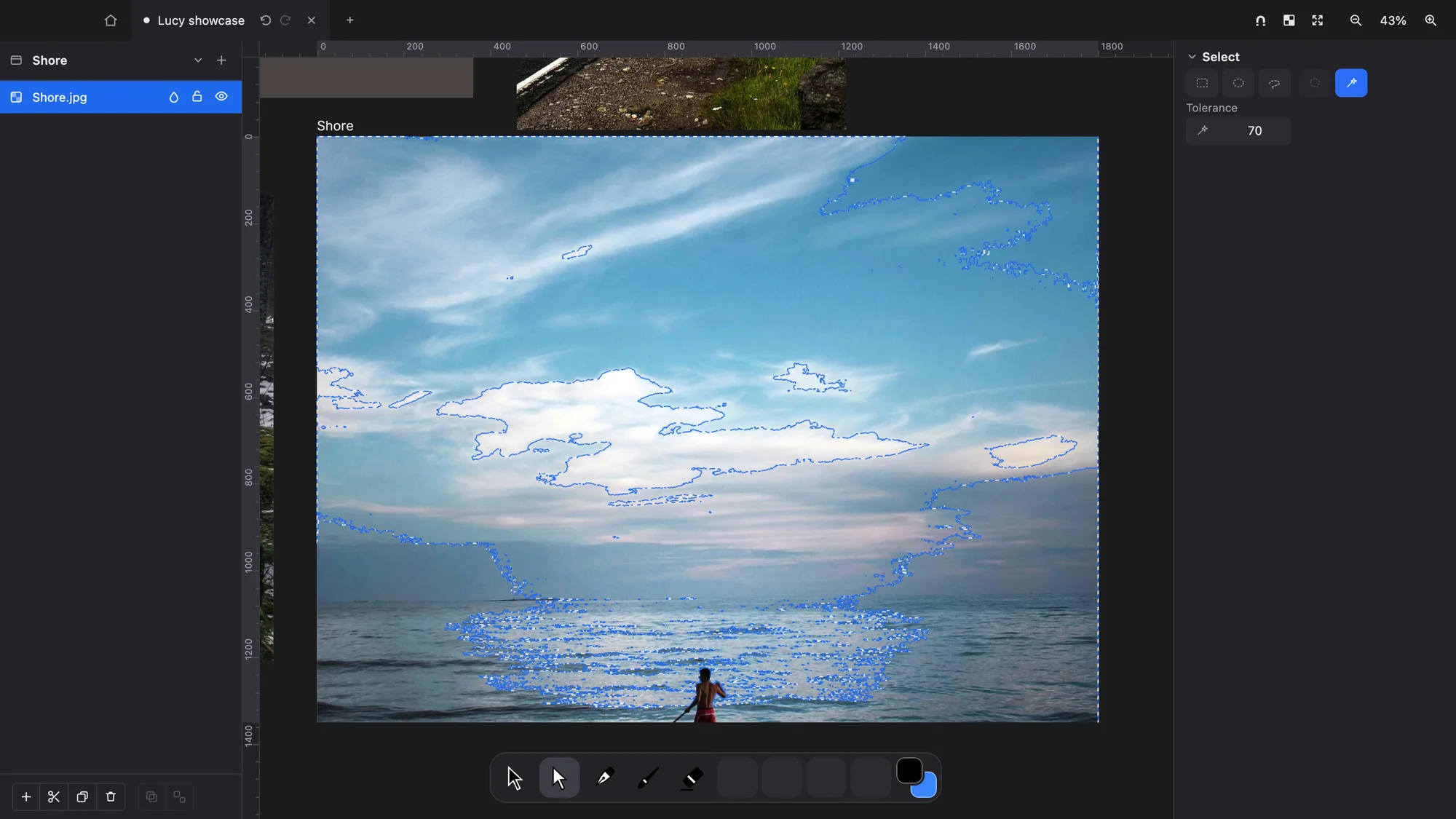
Rectangle, ellipse, lasso and magic wand. Select what you need, then move, scale, rotate or skew it without leaving the tool.
Smart selection finds the person or main object in your photo and separates it from the background in one click, ready to cut out, adjust or carry into another composition.
Layer, vector and clipping masks, plus adjustment layers such as curves, levels and HSL. Change the image as much as you like while the original stays intact underneath.
Blur, sharpen and noise to soften a background, rescue a detail or give an image texture.
The clone stamp and healing brush remove blemishes, wires and stains, and the result blends into everything around it.
Perspective crop straightens façades, documents and screens photographed at an angle.
27 blend modes and nested groups, isolated or pass-through, to mix layers exactly the way you imagine them.
Open images well past 100 megapixels and work at full resolution right where you are looking, without waiting.
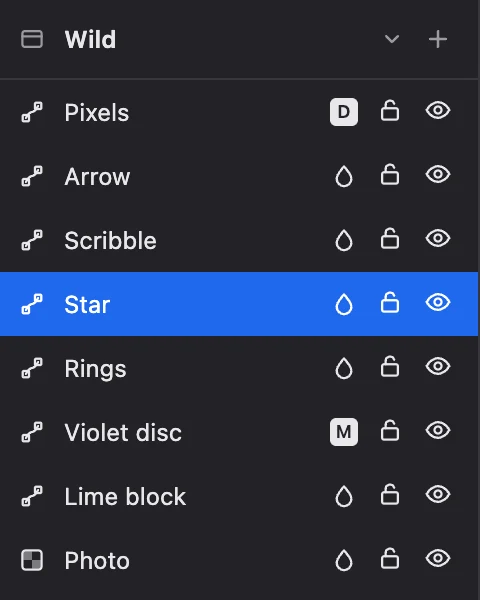
PerformancePhotos and vectors live in the same layers. Put a vector logo over a photo or trace right on top of it, without converting anything.
Vector